

Architecture at a glance
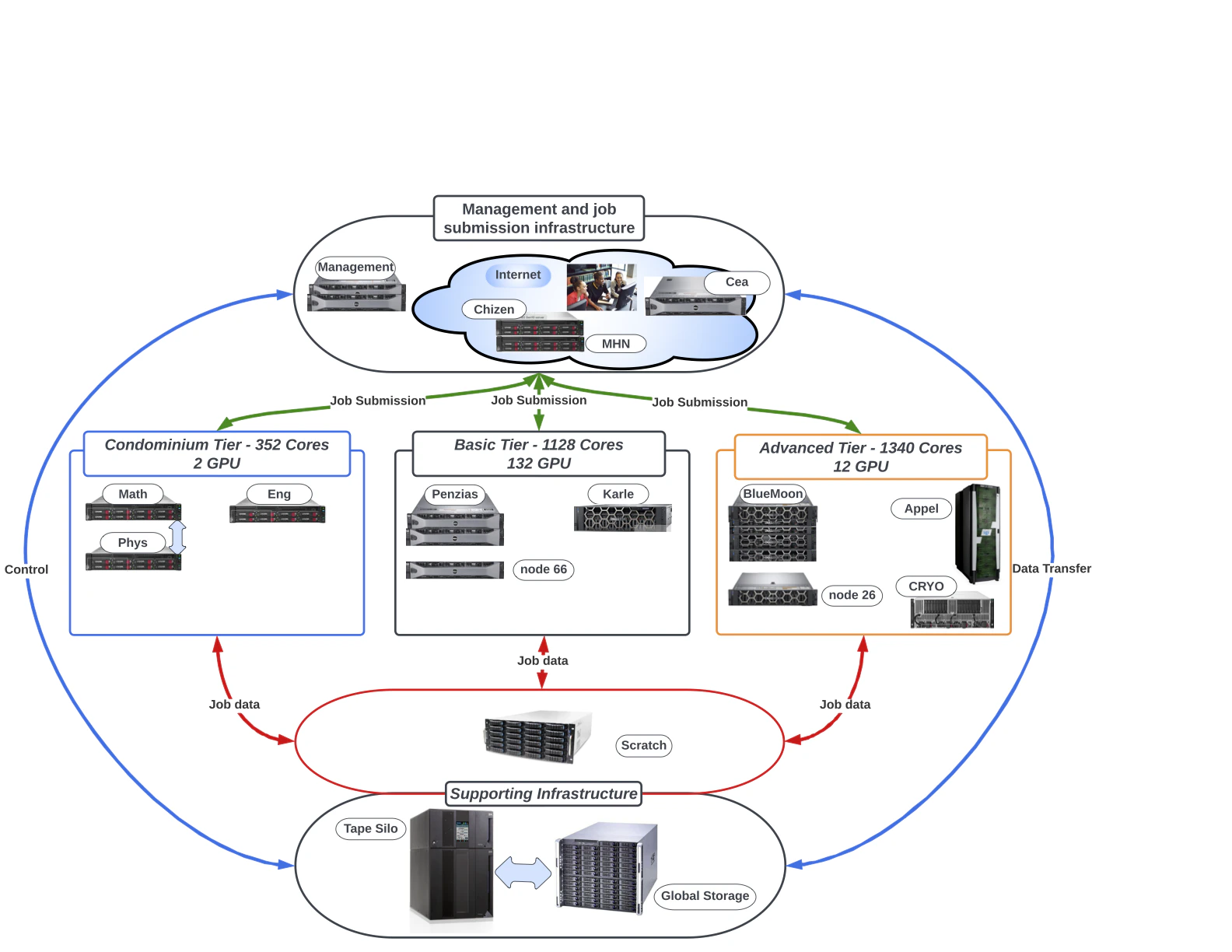
Organization of CUNY HPCC systems and data storage
Arrow
Arrow is the current flagship hybrid CPU + GPU cluster and is where most new workloads are placed.- Scheduler: SLURM.
- Module system: LMOD (Lua-based, supports hierarchies).
- GPU config: up to 8 GPUs per node on Arrow. Request them with
--gres=gpu:N. - Workspace: jobs must start from
/scratch/<username>. Launching from/global/u/<username>is not supported.
Exact per-node specifics (CPU model and core count, RAM, GPU model and memory, interconnect) should be filled in here against authoritative HPCC sources before publishing. The unaudited research draft for this site cited figures like “62 nodes, 64 cores/node, 8× NVIDIA A40 80GB, 2 TB RAM”. Treat those as placeholders until confirmed on the HPCC Wiki or by a sysadmin.
Other systems
CUNY HPCC has historically operated additional named subsystems and servers. Depending on what is currently in service for your project you may use one or more of:- Penzias: an older hybrid cluster that the HPCC Wiki describes as partially retired.
- Appel: an operational NUMA system for massive parallel, sequential, and OpenMP work; the HPCC Wiki lists it without GPUs.
- Salk: a legacy Cray XE6m system that the HPCC Wiki describes as fully retired.
Service status changes over time as systems are retired or repurposed. Before directing users to a specific subsystem, confirm it’s still available for your project. The canonical list lives on the HPCC Wiki.
GPUs available
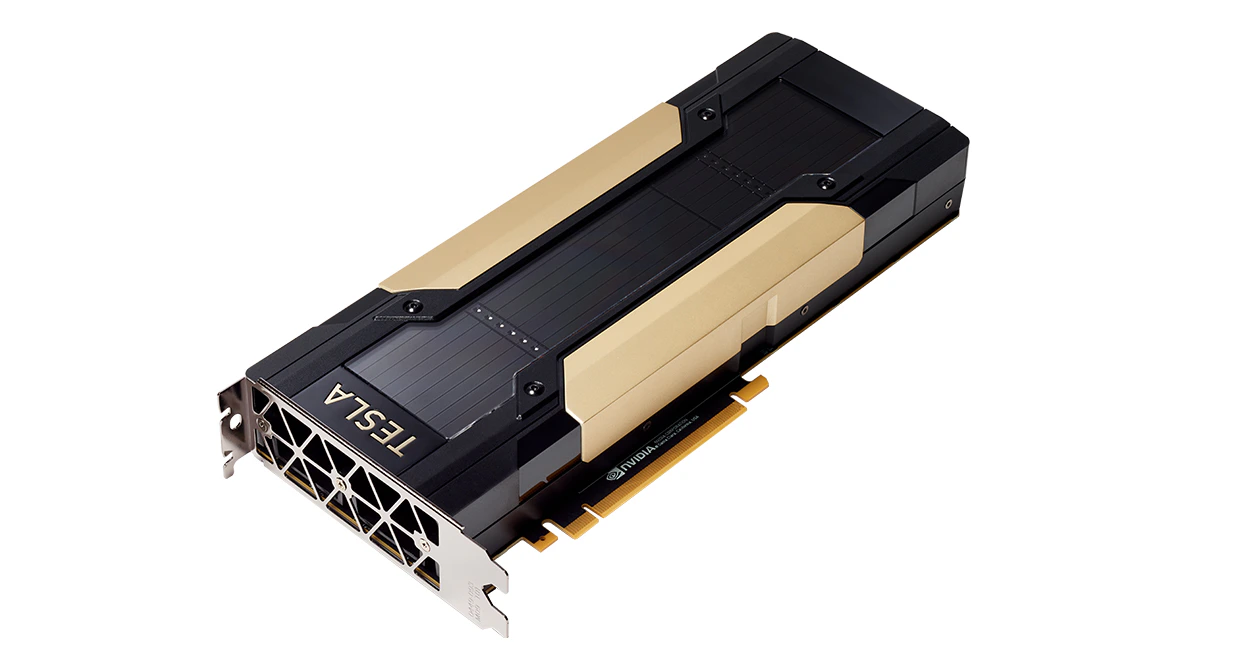
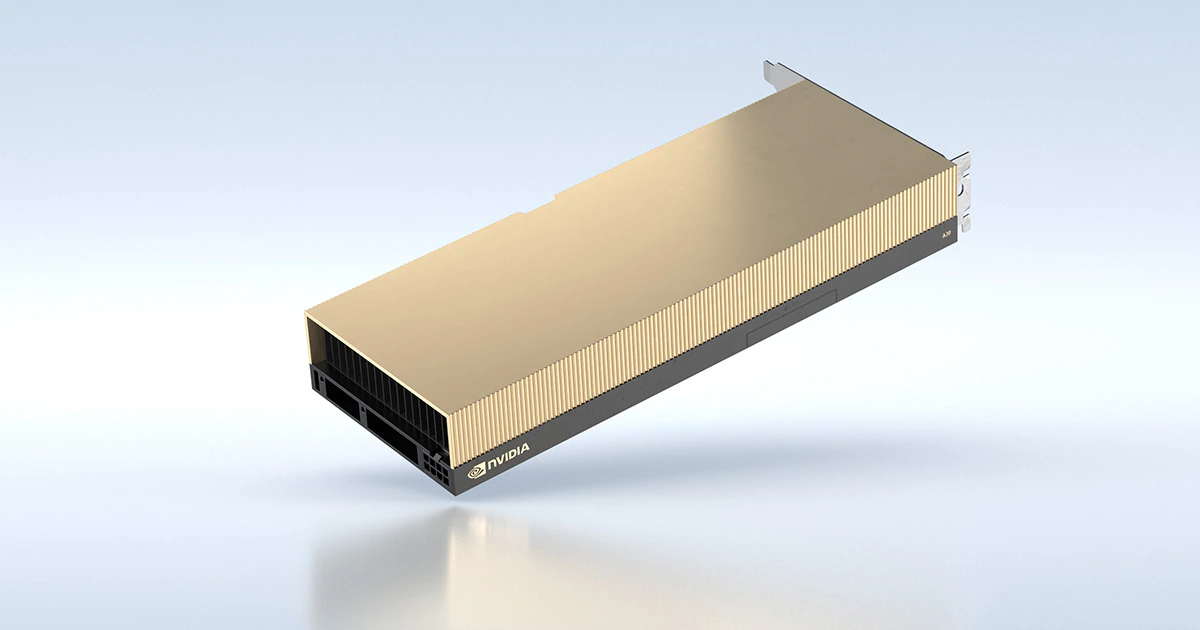
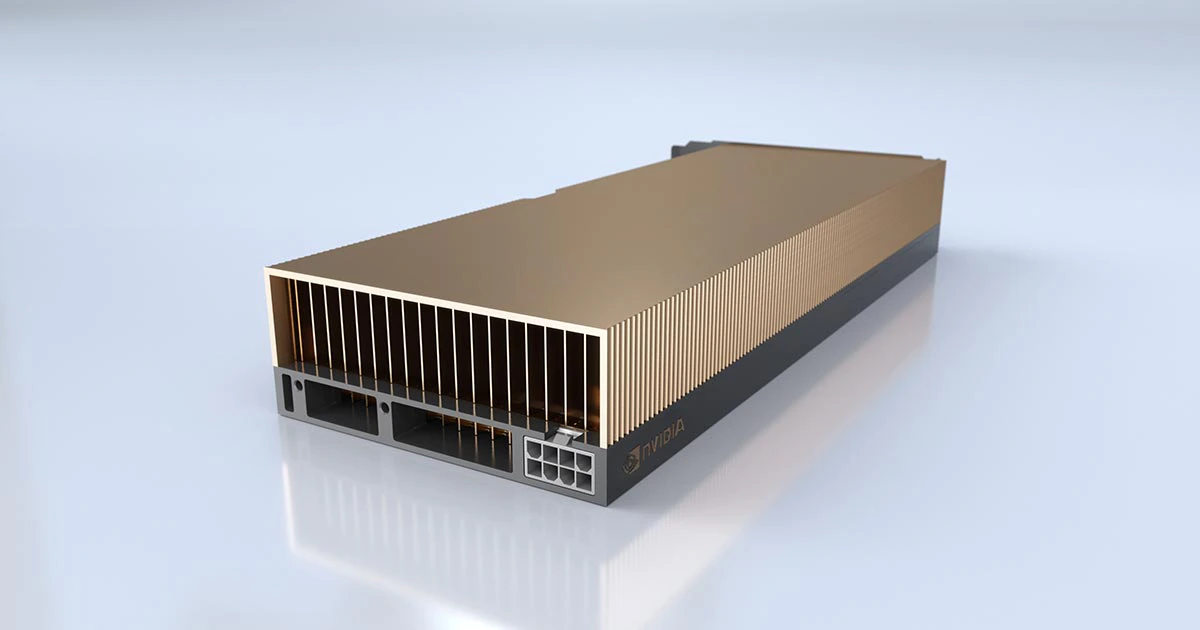
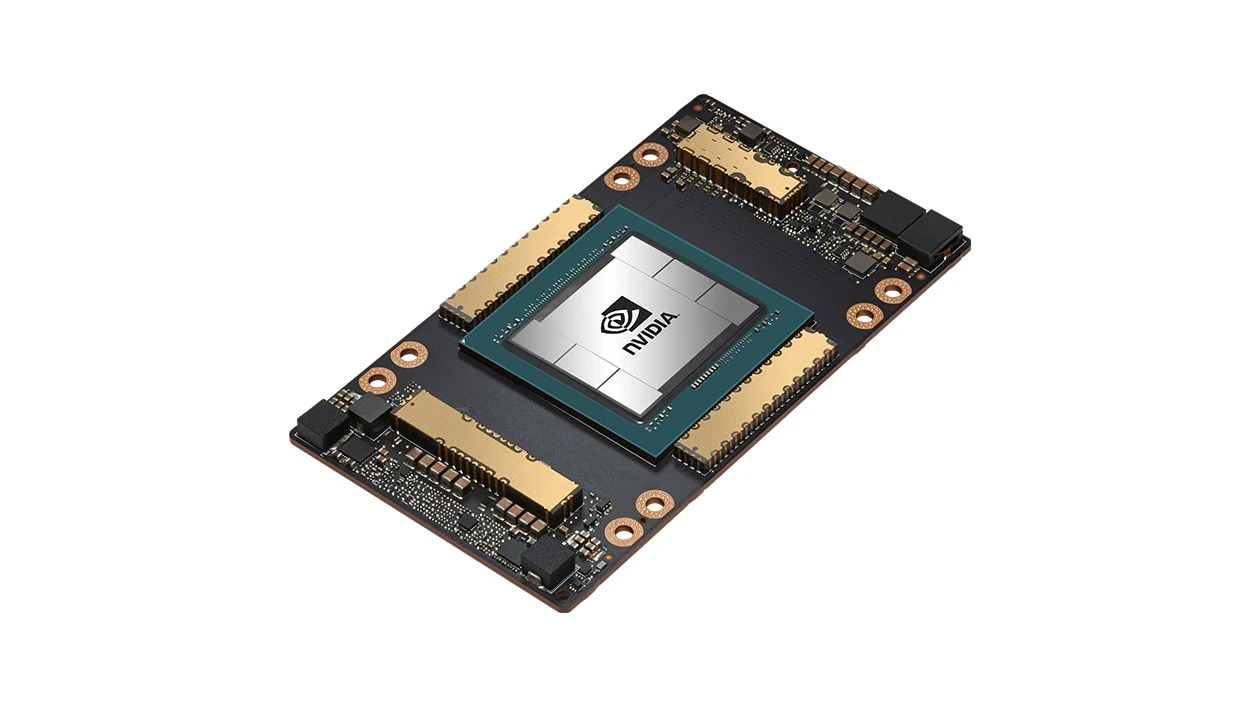
HPCC partitions host several generations of NVIDIA data-center accelerators. Request the type you need on the account form, and constrain on SKU at submit time with--constraint='gpu_sku:<name>' (see GPU with a specific type).
NVIDIA V100
NVIDIA A30
NVIDIA A40
NVIDIA L40
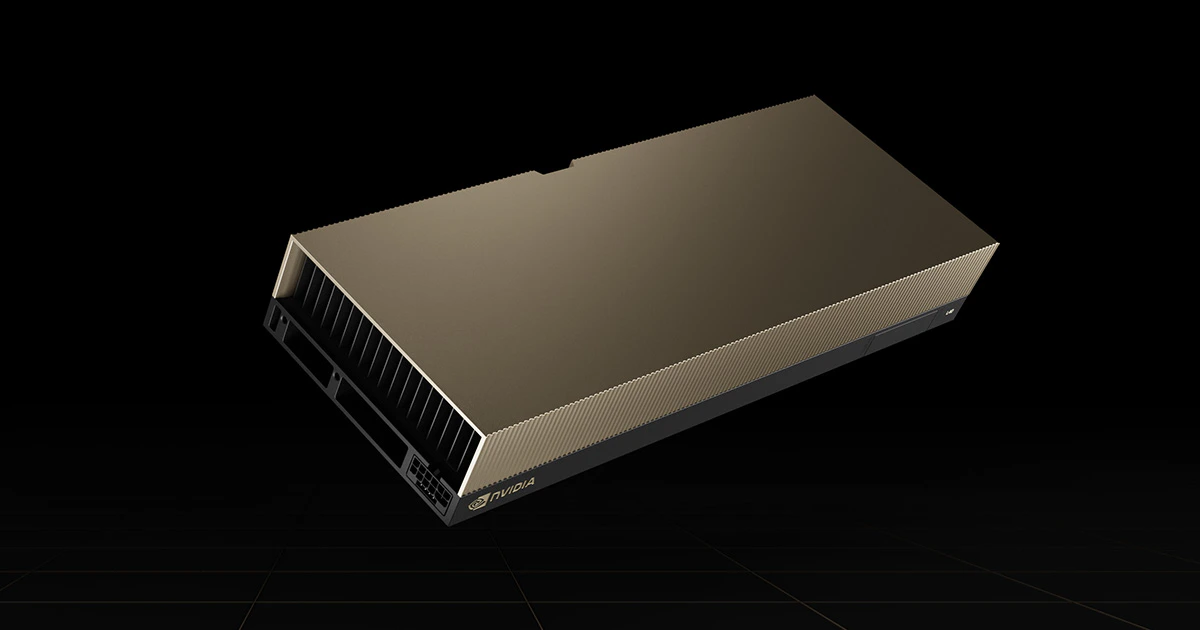
NVIDIA A100
Service tiers
Jobs across HPCC are organized by service tier and partition:
The tier that applies to your project determines which QOS and partition you pass in your SLURM scripts. Ask your PI or the HPC Helpline if you’re unsure.
File systems
/global/u/<username>: your home directory, hosted on DSMS, backed up to tape. Small quota, but durable./scratch/<username>: your scratch workspace, large but ephemeral. Not backed up. Files can be purged when the filesystem exceeds ~70% full or after about two weeks.- Project directories may be provisioned for group work under request.
Next steps
Software & modules
Use LMOD to get compilers, MPI, and applications into your environment.
Job submission
SLURM templates that pair with each system and tier.