> ## Documentation Index
> Fetch the complete documentation index at: https://docs.nyc-ai.app/llms.txt
> Use this file to discover all available pages before exploring further.
# Systems & hardware
> CUNY HPCC clusters, their compute nodes, GPUs, interconnect, and file systems.
CUNY HPCC operates several computer systems grouped into three service tiers: **free tier (FT)**, **advanced tier (AT)**, and **condo tier (CT)**. Its main hybrid cluster is **Arrow**. Jobs target different resources depending on your project, QOS, and partition. When in doubt, Arrow is the current default for new users.
## Architecture at a glance
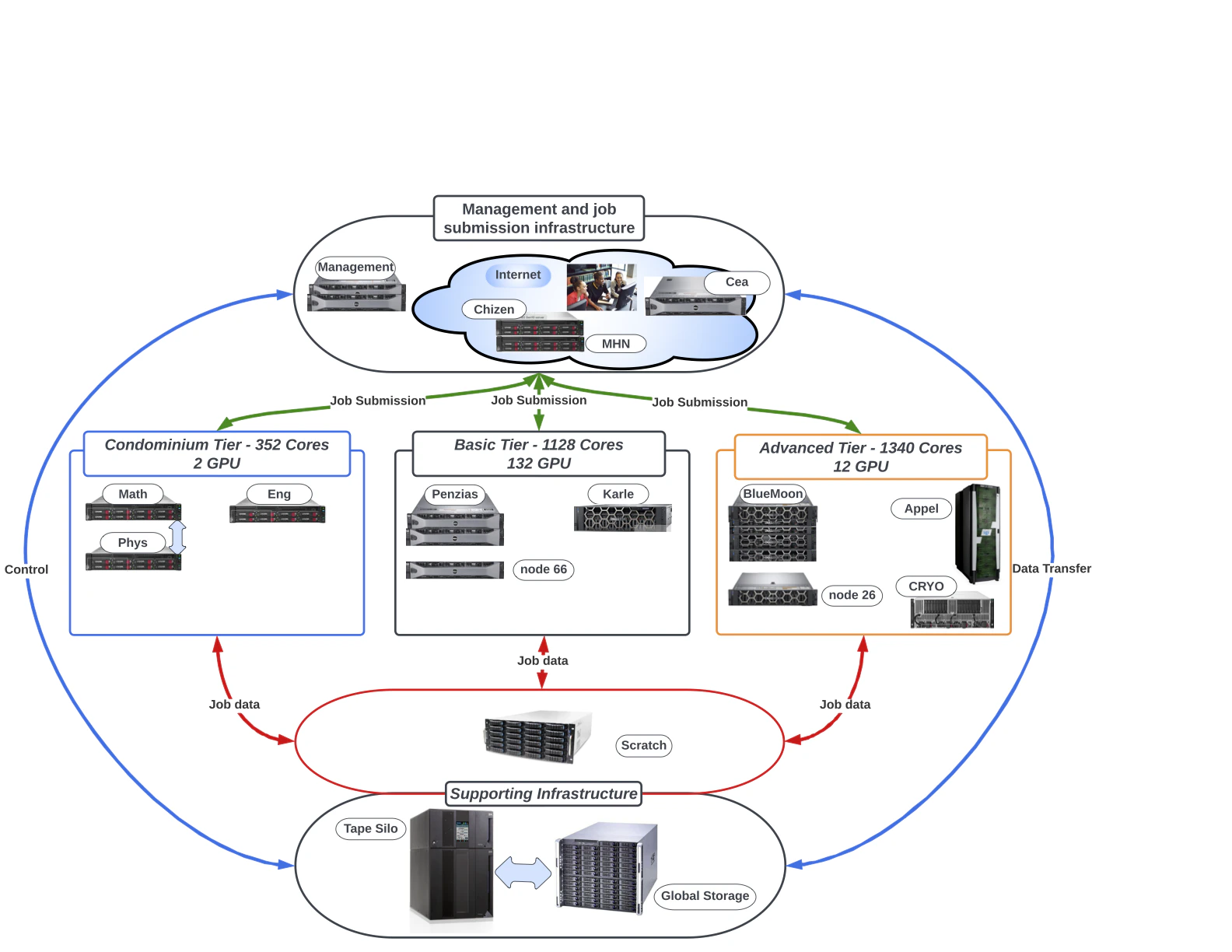 Only **Chizen** and **Karle** are reachable from outside the CSI network. All other systems require logging into a gateway first. Bulk data transfer runs through **cea**.
## Arrow
Arrow is the current flagship hybrid CPU + GPU cluster and is where most new workloads are placed.
* **Scheduler:** SLURM.
* **Module system:** LMOD (Lua-based, supports hierarchies).
* **GPU config:** up to **8 GPUs per node** on Arrow. Request them with `--gres=gpu:N`.
* **Workspace:** jobs **must** start from `/scratch/`. Launching from `/global/u/` is not supported.
Exact per-node specifics (CPU model and core count, RAM, GPU model and memory, interconnect) should be filled in here against authoritative HPCC sources before publishing. The unaudited research draft for this site cited figures like "62 nodes, 64 cores/node, 8× NVIDIA A40 80GB, 2 TB RAM". Treat those as placeholders until confirmed on the [HPCC Wiki](https://wiki.csi.cuny.edu/cunyhpc/index.php/Main_Page) or by a sysadmin.
## Other systems
CUNY HPCC has historically operated additional named subsystems and servers. Depending on what is currently in service for your project you may use one or more of:
* **Penzias**: an older hybrid cluster that the HPCC Wiki describes as partially retired.
* **Appel**: an operational NUMA system for massive parallel, sequential, and OpenMP work; the HPCC Wiki lists it without GPUs.
* **Salk**: a legacy Cray XE6m system that the HPCC Wiki describes as fully retired.
Service status changes over time as systems are retired or repurposed. Before directing users to a specific subsystem, confirm it's still available for your project. The canonical list lives on the [HPCC Wiki](https://wiki.csi.cuny.edu/cunyhpc/index.php/Main_Page).
## GPUs available
HPCC partitions host several generations of NVIDIA data-center accelerators. Request the type you need on the account form, and constrain on SKU at submit time with `--constraint='gpu_sku:'` (see [GPU with a specific type](/job-submission#gpu-with-a-specific-type)).
Only **Chizen** and **Karle** are reachable from outside the CSI network. All other systems require logging into a gateway first. Bulk data transfer runs through **cea**.
## Arrow
Arrow is the current flagship hybrid CPU + GPU cluster and is where most new workloads are placed.
* **Scheduler:** SLURM.
* **Module system:** LMOD (Lua-based, supports hierarchies).
* **GPU config:** up to **8 GPUs per node** on Arrow. Request them with `--gres=gpu:N`.
* **Workspace:** jobs **must** start from `/scratch/`. Launching from `/global/u/` is not supported.
Exact per-node specifics (CPU model and core count, RAM, GPU model and memory, interconnect) should be filled in here against authoritative HPCC sources before publishing. The unaudited research draft for this site cited figures like "62 nodes, 64 cores/node, 8× NVIDIA A40 80GB, 2 TB RAM". Treat those as placeholders until confirmed on the [HPCC Wiki](https://wiki.csi.cuny.edu/cunyhpc/index.php/Main_Page) or by a sysadmin.
## Other systems
CUNY HPCC has historically operated additional named subsystems and servers. Depending on what is currently in service for your project you may use one or more of:
* **Penzias**: an older hybrid cluster that the HPCC Wiki describes as partially retired.
* **Appel**: an operational NUMA system for massive parallel, sequential, and OpenMP work; the HPCC Wiki lists it without GPUs.
* **Salk**: a legacy Cray XE6m system that the HPCC Wiki describes as fully retired.
Service status changes over time as systems are retired or repurposed. Before directing users to a specific subsystem, confirm it's still available for your project. The canonical list lives on the [HPCC Wiki](https://wiki.csi.cuny.edu/cunyhpc/index.php/Main_Page).
## GPUs available
HPCC partitions host several generations of NVIDIA data-center accelerators. Request the type you need on the account form, and constrain on SKU at submit time with `--constraint='gpu_sku:'` (see [GPU with a specific type](/job-submission#gpu-with-a-specific-type)).
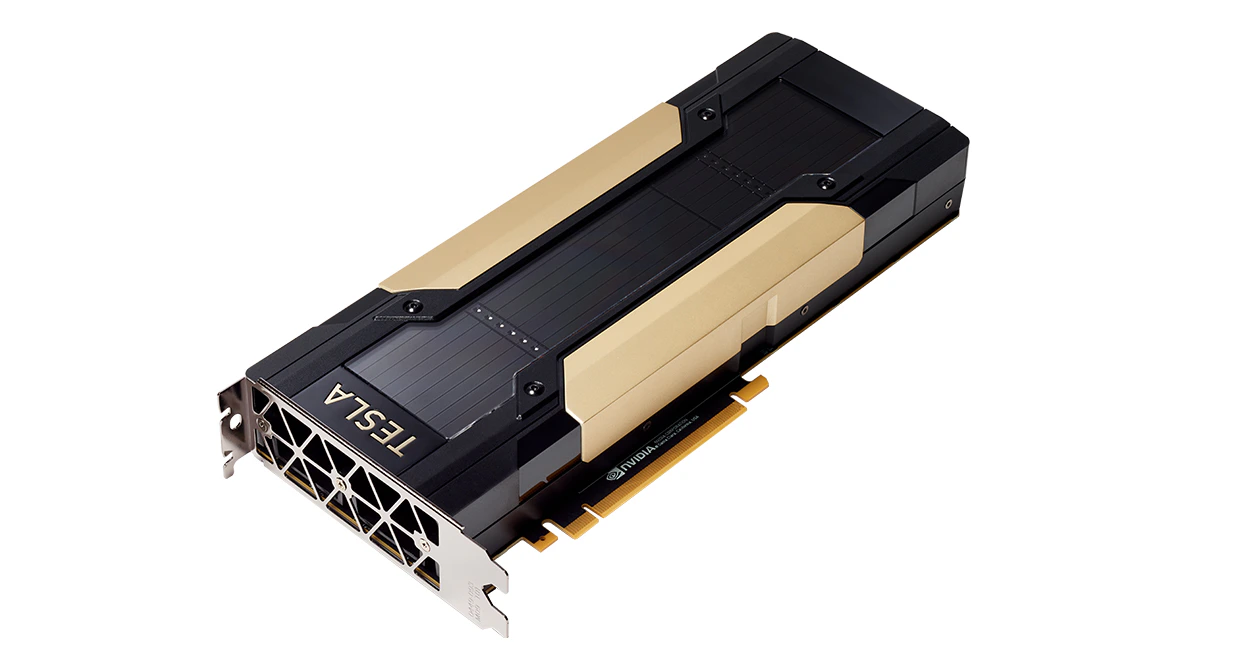 Volta generation. Available in **16 GB** and **32 GB** HBM2 variants.
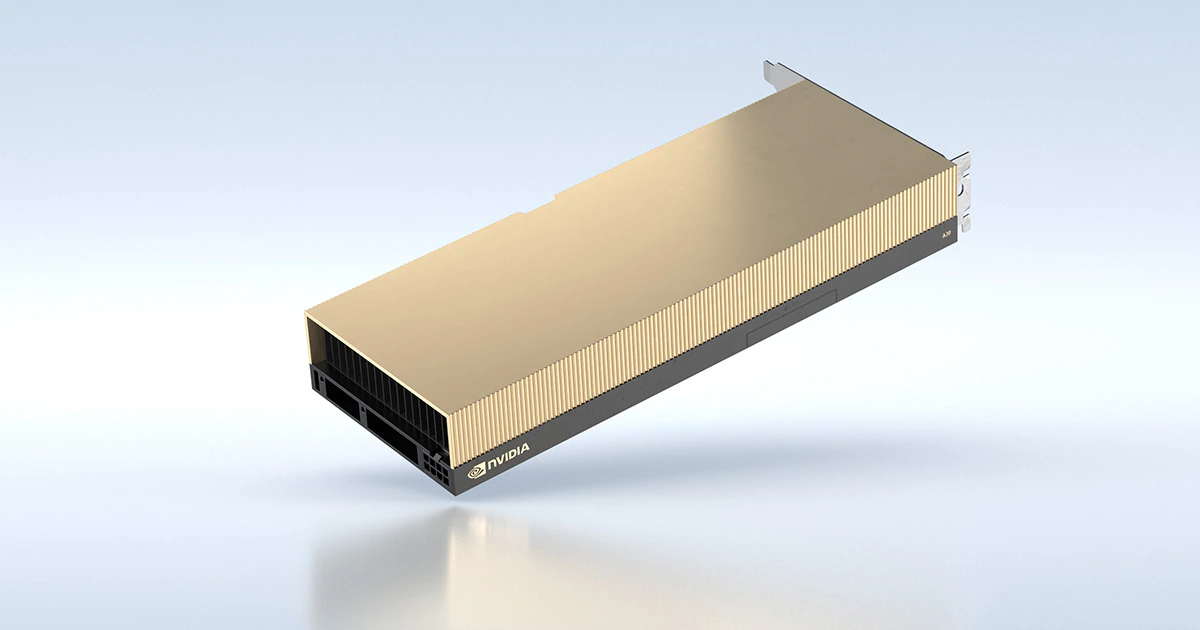 Ampere data-center GPU. **24 GB** HBM2.
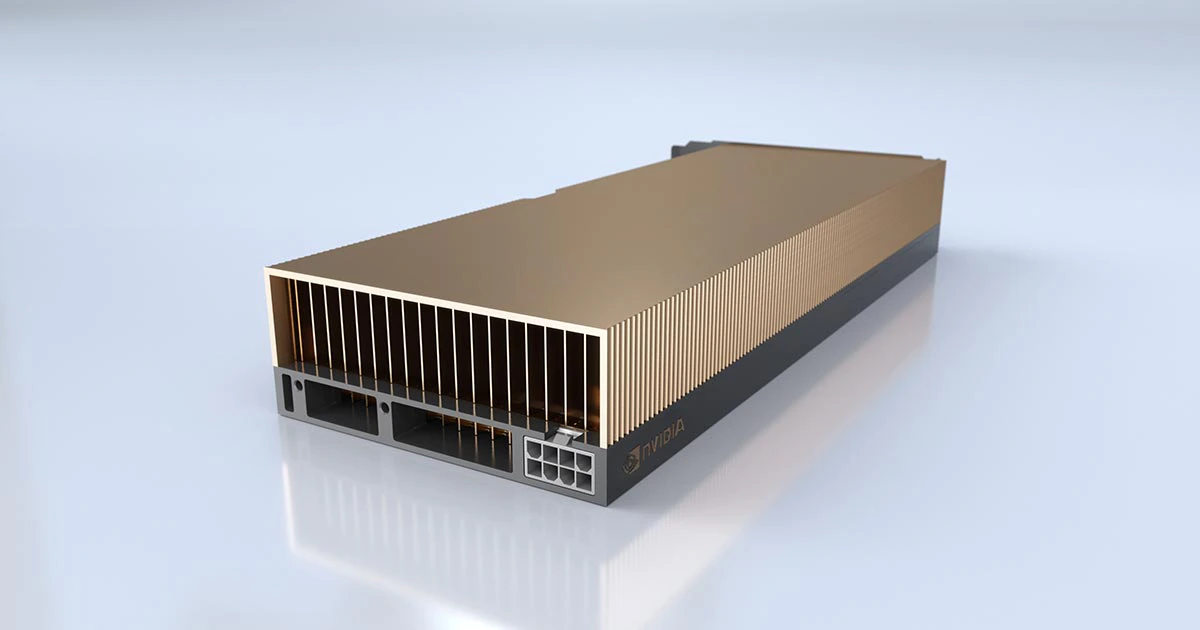 Ampere visualization/compute GPU. **24 GB** GDDR6.
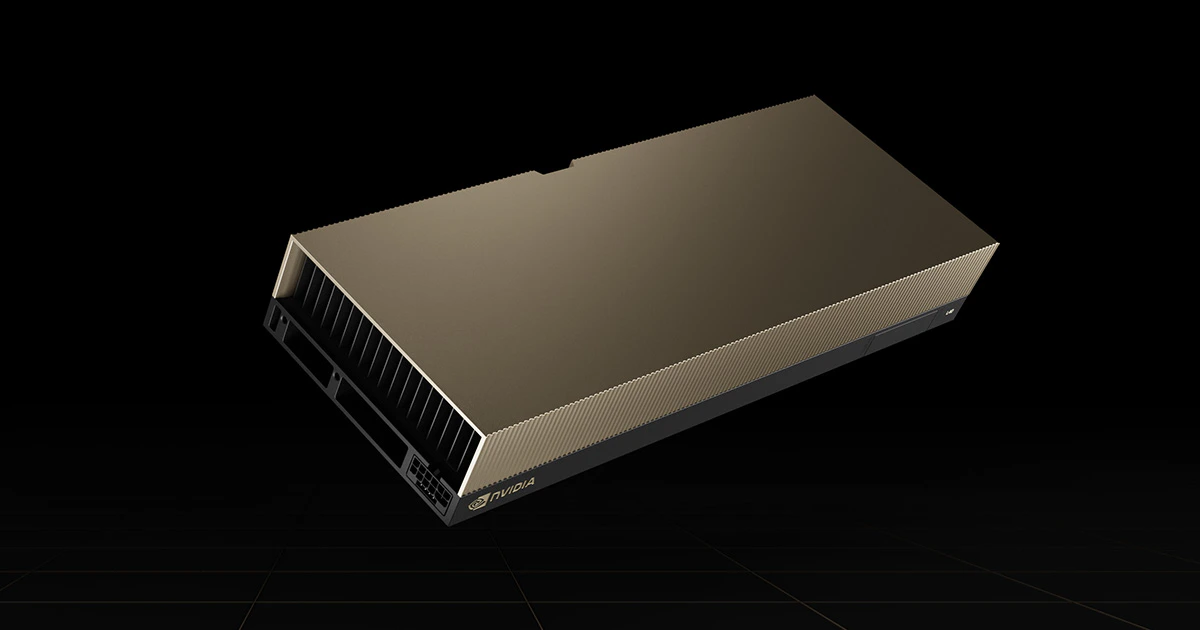 Ada Lovelace generation. **48 GB** GDDR6.
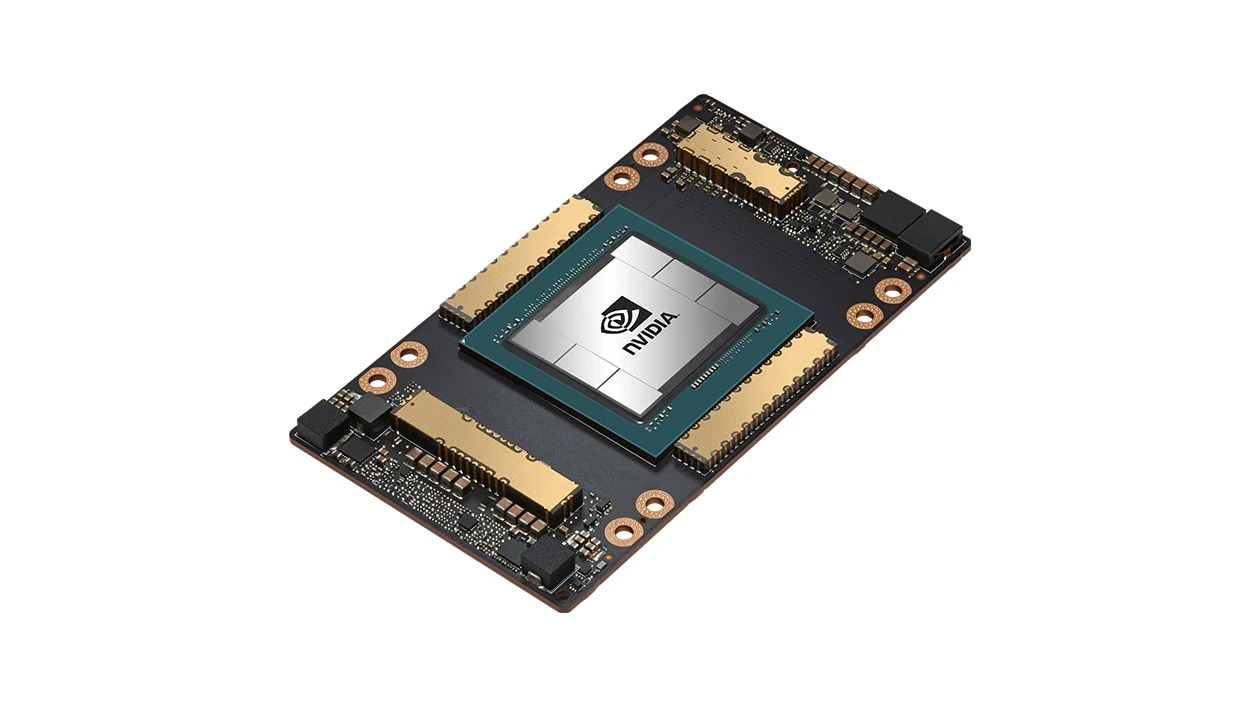 Ampere flagship. Available in **40 GB** and **80 GB** HBM2e variants.
## Service tiers
Jobs across HPCC are organized by service tier and partition:
| Tier | Purpose |
| ---------------------- | ----------------------------------------------------------- |
| **Free tier (FT)** | General-purpose allocation available to all approved users. |
| **Advanced tier (AT)** | Higher-priority allocation for approved projects. |
| **Condo tier (CT)** | Dedicated hardware purchased by a PI or group. |
The tier that applies to your project determines which QOS and partition you pass in your SLURM scripts. Ask your PI or the [HPC Helpline](mailto:HPCHelp@csi.cuny.edu) if you're unsure.
## File systems
* **`/global/u/`**: your **home directory**, hosted on DSMS, backed up to tape. Small quota, but durable.
* **`/scratch/`**: your **scratch workspace**, large but **ephemeral**. Not backed up. Files can be purged when the filesystem exceeds \~70% full or after about **two weeks**.
* **Project directories** may be provisioned for group work under request.
See [Storage & quotas](/storage) for sizes, purge rules, and how to move data in and out.
## Next steps
Use LMOD to get compilers, MPI, and applications into your environment.
SLURM templates that pair with each system and tier.
Ampere flagship. Available in **40 GB** and **80 GB** HBM2e variants.
## Service tiers
Jobs across HPCC are organized by service tier and partition:
| Tier | Purpose |
| ---------------------- | ----------------------------------------------------------- |
| **Free tier (FT)** | General-purpose allocation available to all approved users. |
| **Advanced tier (AT)** | Higher-priority allocation for approved projects. |
| **Condo tier (CT)** | Dedicated hardware purchased by a PI or group. |
The tier that applies to your project determines which QOS and partition you pass in your SLURM scripts. Ask your PI or the [HPC Helpline](mailto:HPCHelp@csi.cuny.edu) if you're unsure.
## File systems
* **`/global/u/`**: your **home directory**, hosted on DSMS, backed up to tape. Small quota, but durable.
* **`/scratch/`**: your **scratch workspace**, large but **ephemeral**. Not backed up. Files can be purged when the filesystem exceeds \~70% full or after about **two weeks**.
* **Project directories** may be provisioned for group work under request.
See [Storage & quotas](/storage) for sizes, purge rules, and how to move data in and out.
## Next steps
Use LMOD to get compilers, MPI, and applications into your environment.
SLURM templates that pair with each system and tier.